
NotebookLM YouTube Source Upload Issue And Workaround Solution — A Local-First Workflow
Bypassing NotebookLM Upload Limits via Local Transcription

NotebookLM is a foundational piece of the modern research stack, offering a seemingly frictionless way to synthesize vast amounts of data. Yet, that “magic” is often skin-deep. Every power user eventually hits a hard limit in the platform’s ingestion pipeline — usually at the exact moment they try to process a critical YouTube link or a large video file. The system stalls, the progress bar freezes, and the “all-in-one” tool suddenly feels like a closed ecosystem.
The frustration is visceral: you have the source, and you have the tool, but the bridge between them is broken. When a cloud-based automation fails, the digital craftsman doesn’t wait for a developer update. Instead, we look for a way to decouple the data from the platform’s brittle intake methods. The secret to a resilient workflow isn’t better prompts; it’s a local-first approach to data-prep.
The Fragility of the Direct Link
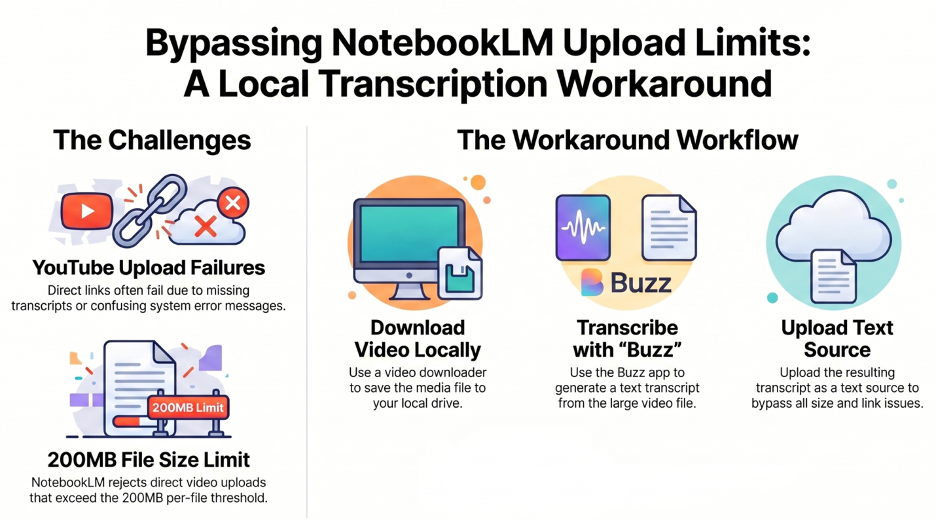
The most common friction point in NotebookLM is the direct YouTube URL upload. While aesthetically pleasing as a “one-click” feature, it is architecturally fragile. This cloud-to-cloud transfer relies on a series of handshakes that are prone to silent failures. As a user, you aren’t given a technical log; you are given a dead end.
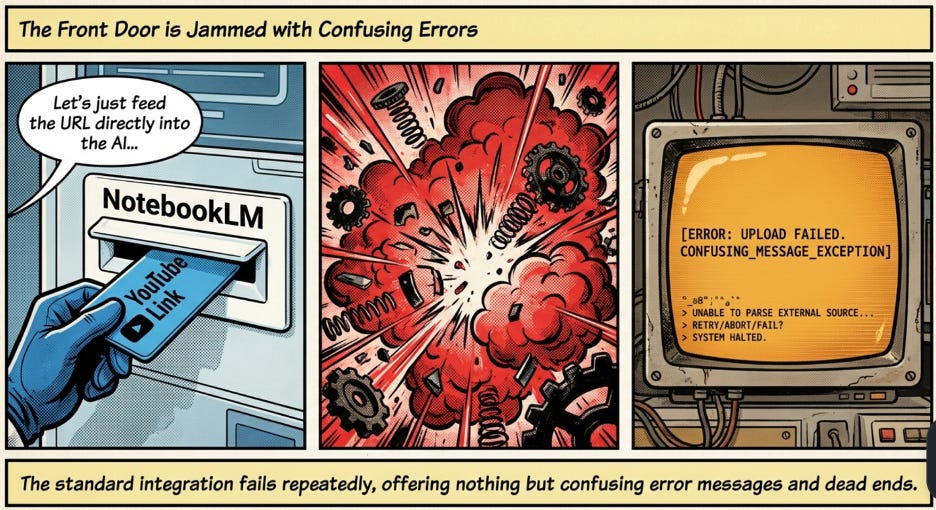
This highlights the core weakness of high-level automation: when it fails, it provides no path for manual intervention. You are left staring at a screen that refuses to cooperate, stripped of any agency to fix the underlying issue.
The “Transcript Gap” in Modern Content
The standard workaround — manually copying and pasting transcripts from the YouTube UI — is a stopgap at best. It is a brittle, manual process that falls apart as soon as you scale. I’ve found that you might successfully scrape one or two videos, only to find that the next “umpteen videos” lack a stored transcript entirely.
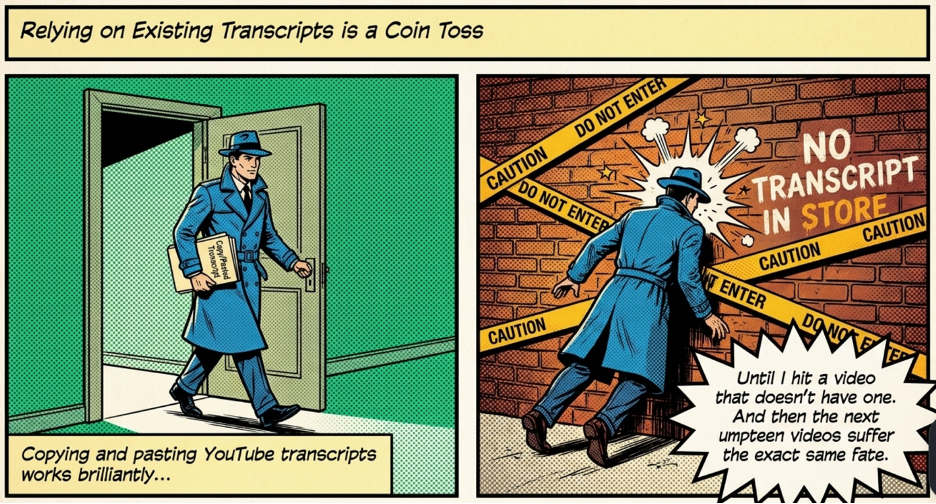
This is the “transcript gap.” When you rely on manual scraping, you are essentially relying on the kindness of strangers (the creators) or the whims of a platform UI that can change its layout at any moment. Reaching this dead end is a reminder that if you don’t own the data extraction process, you don’t actually own your workflow. You are simply a renter of the platform’s current features.
The 200MB Gatekeeper
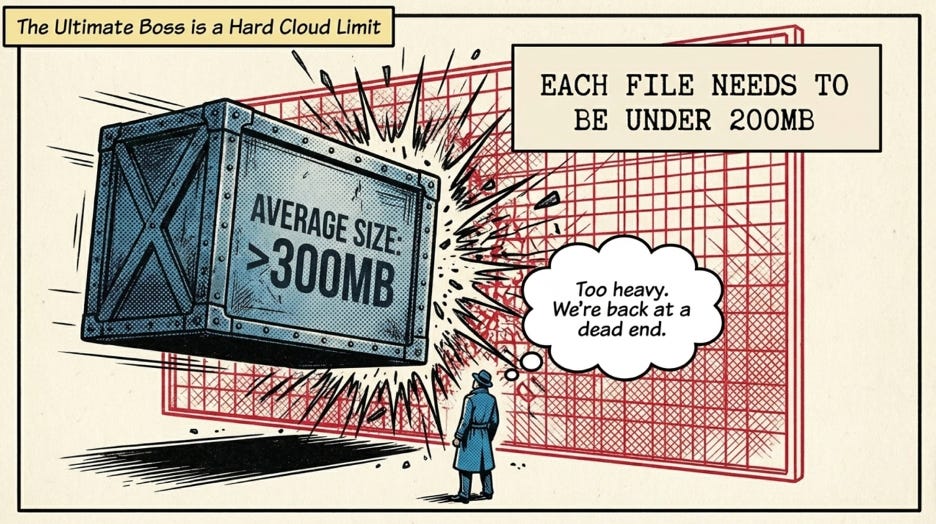
When the URL fails and the transcript is missing, the logical pivot is to download the file locally using a tool like “Open Video Downloader.” However, this leads directly into an arbitrary architectural wall: the 200MB file size limit.
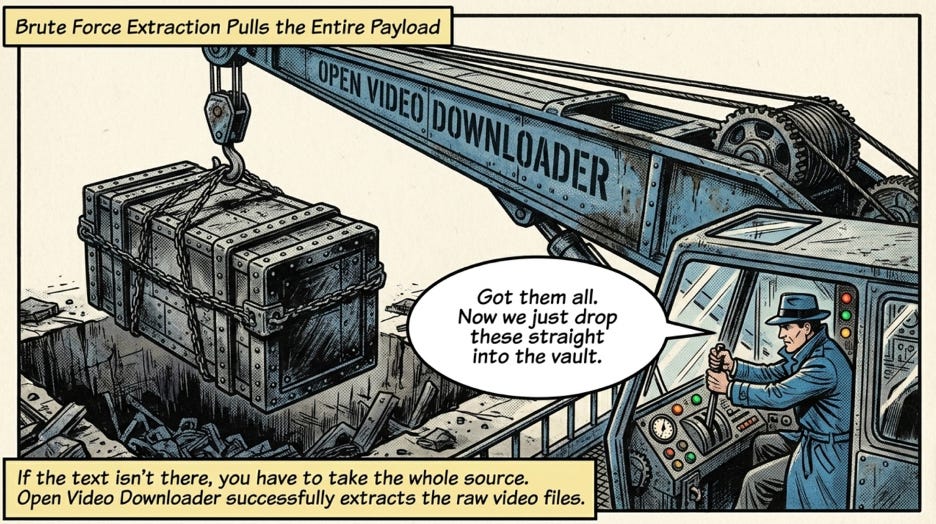
In a world of high-definition content, a standard 20-minute video easily clears 300MB. There is a profound irony here: the LLM doesn’t actually “see” the 4K pixels or the high-fidelity audio. To an AI, that resolution is “junk data” — meaningless noise that bloats the payload. Yet, it is precisely this bulk that prevents the platform from ingesting the high-density text signal hidden within. You have the data on your drive, but you are barred from feeding it to the AI because the file is too “loud” for the gatekeeper.
“Buzz” and the Power of Local Transcription
The solution is to move the heavy lifting of the ingestion pipeline to your own machine. By using a tool like Buzz, a local-first transcriber, you can strip away the junk data and extract the text signal before it ever touches the cloud.
I originally discovered the utility of Buzz through a friend’s request to assist in transcribing confidential audio files. This use case highlights the secondary, but vital, benefit of local-first tools: privacy. When you process locally, you aren’t just bypassing upload limits; you are maintaining sovereignty over your data.
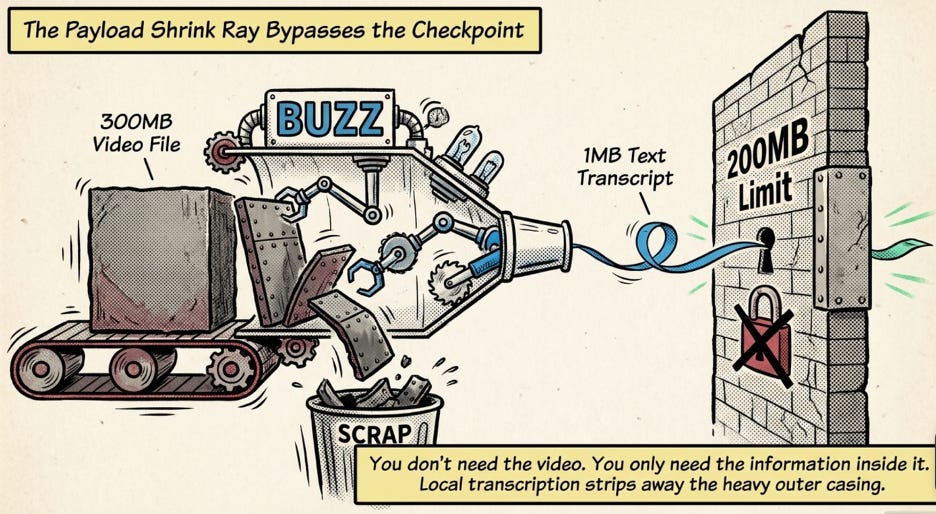
By converting a 300MB video into a few kilobytes of text, you solve the size problem, the URL problem, and the transcript gap in one move. You are no longer “uploading a video”; you are providing a high-density text source that is perfectly optimized for the AI’s consumption.
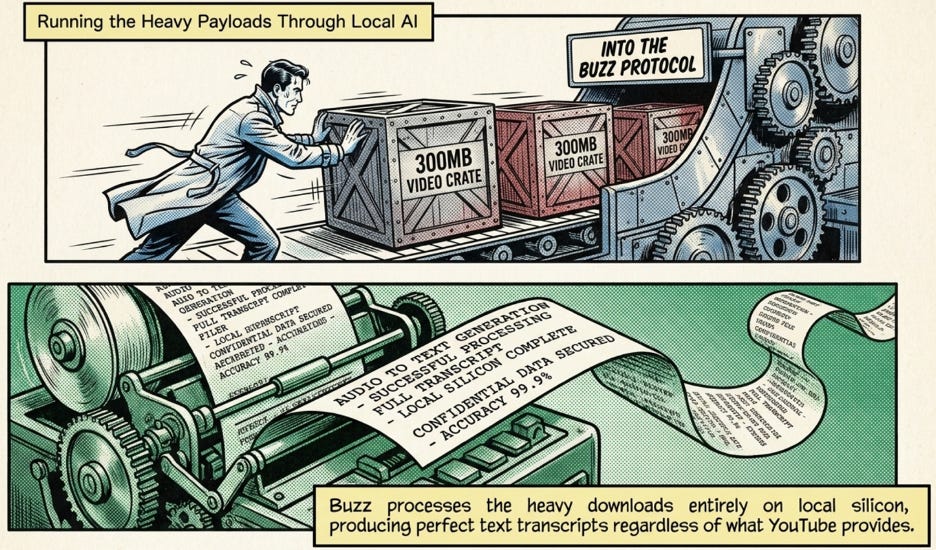
Conclusion: The Ingenuity of the User
The most robust AI workflows are rarely the ones that promise “magic” with a single click. They are custom-built pipelines that treat the AI as one component in a larger system. By using a modular approach — Downloader > Buzz > NotebookLM — you bridge the gaps that the developers left behind.
Note: Perhaps when this need becomes a iteration we might look to further local automation workflow with tools like N8N or even an agent.